Wafi Admin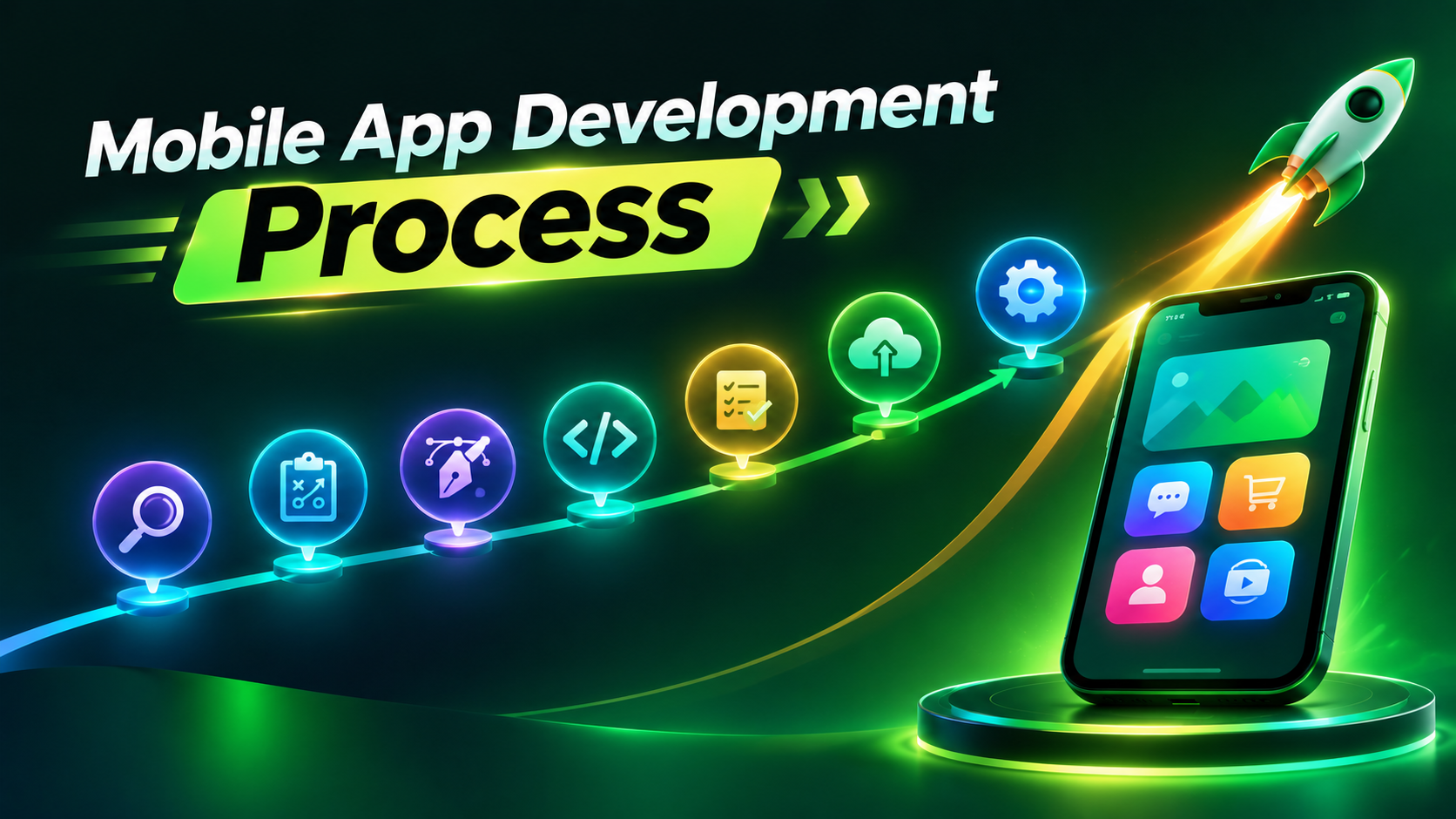
Most app ideas don’t fail in the App Store. They fail earlier — when founders imagine the finished app, the sleek screens and happy users, then skip the harder work of getting there: research, wireframes, testing on actual devices. That gap between vision and process is where budgets balloon and timelines slip.
A mobile app development process closes that gap. This guide breaks the mobile application development process into seven stages, from early discovery through post-launch maintenance.
Mobile App Development Process at a Glance
Seven stages make up the mobile app development lifecycle, each with its own goal and output. Here’s the full app development process, condensed into one table.
| Stage | Primary Goal | Typical Deliverable |
|---|---|---|
| Discovery | Validate the idea | Business requirements |
| Planning | Define scope | PRD & roadmap |
| UI/UX Design | Design user experience | Wireframes & prototype |
| Development | Build the application | Functional app build |
| Testing | Ensure quality | Tested release candidate |
| Deployment | Publish the app | Live application |
| Maintenance | Improve continuously | Updates & monitoring |
Step 1 – Discovery and Idea Validation
Every app starts as a guess about what people need. That’s exactly why the mobile app development process begins with discovery, not code — checking competitors, confirming demand, and defining who the app actually serves. Mobile app planning helps avoid costly mistakes early, before anyone designs a single screen.
What Happens During Discovery?
Discovery isn’t one task — it’s a set of questions that shape everything that follows in the app development process. Get these answers wrong, and later stages inherit the mistake. A solid discovery phase looks at:
- Define clear business objectives.
- Identify your target users.
- Study competing apps.
- Confirm there is demand.
- Prioritise the core features.
- Set measurable success goals.
Deliverables of the Discovery Phase
Discovery ends with clear documents that guide the next stage of the project.
| Deliverable | Purpose |
|---|---|
| Business Requirements | Define project goals |
| User Personas | Understand users |
| Feature List | Prioritise functionality |
| Success Metrics | Measure performance |
Step 2 – Planning the App
This stage of the app development process gives the team a clear roadmap for building the app — budgets, timelines, and technology choices. Most teams use Agile development here, breaking the work into small, manageable pieces called sprints. It keeps the project organised and on track
Key Planning Activities
Planning covers several moving parts. Each one answers a different question, like what to build first or how long it will take. Together, they turn a rough idea into something a team can actually execute.
- Prioritise MVP features
- Estimate budget
- Create roadmap
- Select technology stack
- Define milestones
- Plan development sprints
Typical Planning Deliverables
Planning ends with a few clear documents. These guide the whole team with the developers.
| Deliverable | Why It Matters |
|---|---|
| Product Requirement Document | Guides development |
| Sprint Backlog | Organises work |
| Product Roadmap | Defines milestones |
| Technical Architecture | Supports scalability |
Step 3 – UI/UX Design
UI/UX design maps out how people move through the screens — then builds that into wireframes, prototypes, and a finished look. This step in mobile app development covers user flows, visual design, branding, and accessibility. The team tests each piece along the way, so people can actually use it.
Main Design Activities
Good mobile app design happens in layers, each one adding more detail than the last:
- User flow mapping
- Wireframes
- Interactive prototypes
- Visual interface design
- Accessibility improvements
- Design validation
Design Deliverables
Each deliverable below hands the next team something they can build on.
| Deliverable | Purpose |
|---|---|
| Wireframes | Define layout |
| Prototype | Test interactions |
| UI Design | Final interface |
| Design System | Maintain consistency |
Step 4 – Mobile App Development
This is where the app development process turns into working software. Developers write code for both the frontend and backend — using tools like Flutter, React Native, Swift, or Kotlin depending on the platform. A well-planned development stage reduces rework, speeds up testing, and makes future updates much easier.
Many teams now use AI tools to speed up coding, create documentation, and find simple bugs. Developers still review every change because AI cannot replace good architecture, security decisions, or user-focused design.
Core Development Activities
Several pieces come together during this point. Frontend development shapes what users see and tap. Backend development handles the logic behind the scenes. Developers also connect the pieces that make an app actually function:
- Frontend development
- Backend development
- Database setup
- API integration
- Authentication
- Push notifications
- Third-party integrations
Modern Development Practices
These practices catch bugs early and keep everyone working from the same version of the app:
- Agile sprints
- Version control (Git)
- Continuous Integration (CI)
- Continuous Deployment (CD)
- Code reviews
- AI-assisted development
Step 5 – Testing and Quality Assurance
A working app still needs proof. That’s what app testing does — it catches bugs before users do. If you don’t test your app properly, small bugs can lead to low ratings and unhappy users. Quality assurance isn’t a final check. It runs alongside every build, catching problems early instead of after launch.
Types of Testing
Different tests catch different problems, so teams run several before an app ships. The main types include:
- Functional testing
- Performance testing
- Security testing
- Compatibility testing
- Regression testing
- User Acceptance Testing (UAT)
- Beta testing
Testing Deliverables
Testing ends with clear proof the app is ready, not just a “looks good” from the team.
| Deliverable | Purpose |
|---|---|
| Bug Report | Identify issues |
| Test Report | Document results |
| Release Candidate | Prepare for deployment |
Step 6 – Deployment and App Store Release
App deployment means submitting a finished app to Google Play and the App Store for review and public release. Each store runs its own process, with separate rules. App publishing means meeting those rules exactly, from privacy details to screenshot sizes. Get ASO right here too — titles, keywords, and descriptions all affect how people find the app after launch. Miss a step, and you delay the launch.
Pre-Launch Checklist
Before submitting, run through this list. It catches the small mistakes that cause big delays.
- Final testing completed
- Privacy policy published
- Analytics configured
- Crash reporting enabled
- Store listing completed
- Screenshots uploaded
- Version reviewed
Step 7 – Post-Launch Maintenance and Improvement
The mobile app development lifecycle doesn’t end at launch — it enters its longest stage. App maintenance keeps the product alive after release: crash monitoring, bug fixes, and app updates that respond to how people actually use it. Without this stage, even a successful app can struggle after launch.
Key Maintenance Activities
Once an app goes live, a few tasks keep it running well. Teams need to:
- Fix bugs
- Improve performance
- Release updates
- Monitor analytics
- Support OS updates
- Maintain device compatibility
- Strengthen security
Important Success Metrics
These numbers show whether the app is actually working for users.
| Metric | Why It Matters |
|---|---|
| Daily Active Users | Measure engagement |
| Retention Rate | User loyalty |
| Crash-Free Sessions | Stability |
| App Rating | User satisfaction |
Common Challenges During Mobile App Development
Even a solid plan hits bumps. Here are the app development challenges that trip up most teams during the mobile app development process — and one fix for each:
- Scope creep: New features keep getting added mid-project. Lock the feature list early, and treat changes as a separate phase.
- Poor communication: Teams work in silos and miss updates. Hold short, regular check-ins instead of long weekly meetings.
- Unrealistic deadlines: Teams set timelines before anyone scopes the work. Build the schedule after planning.
- Weak documentation: Requirements live in someone’s head instead of paper. Write decisions down as they happen.
- Inadequate testing: Bugs surface after launch, not before it. Test in small batches throughout development.
- Ignoring user feedback: Teams set complaints aside for later. Review feedback weekly, and act on patterns fast.
Conclusion
The most successful apps evolve long after launch. Regular updates, honest user feedback, and small continuous improvements keep them useful as customer needs and technology shift underneath them.
That’s the difference between an app that fades in six months and one that lasts for years — not the first launch, but what happens after it. Treat your mobile app development process as the starting line.

 Wafi Admin