Wafi Admin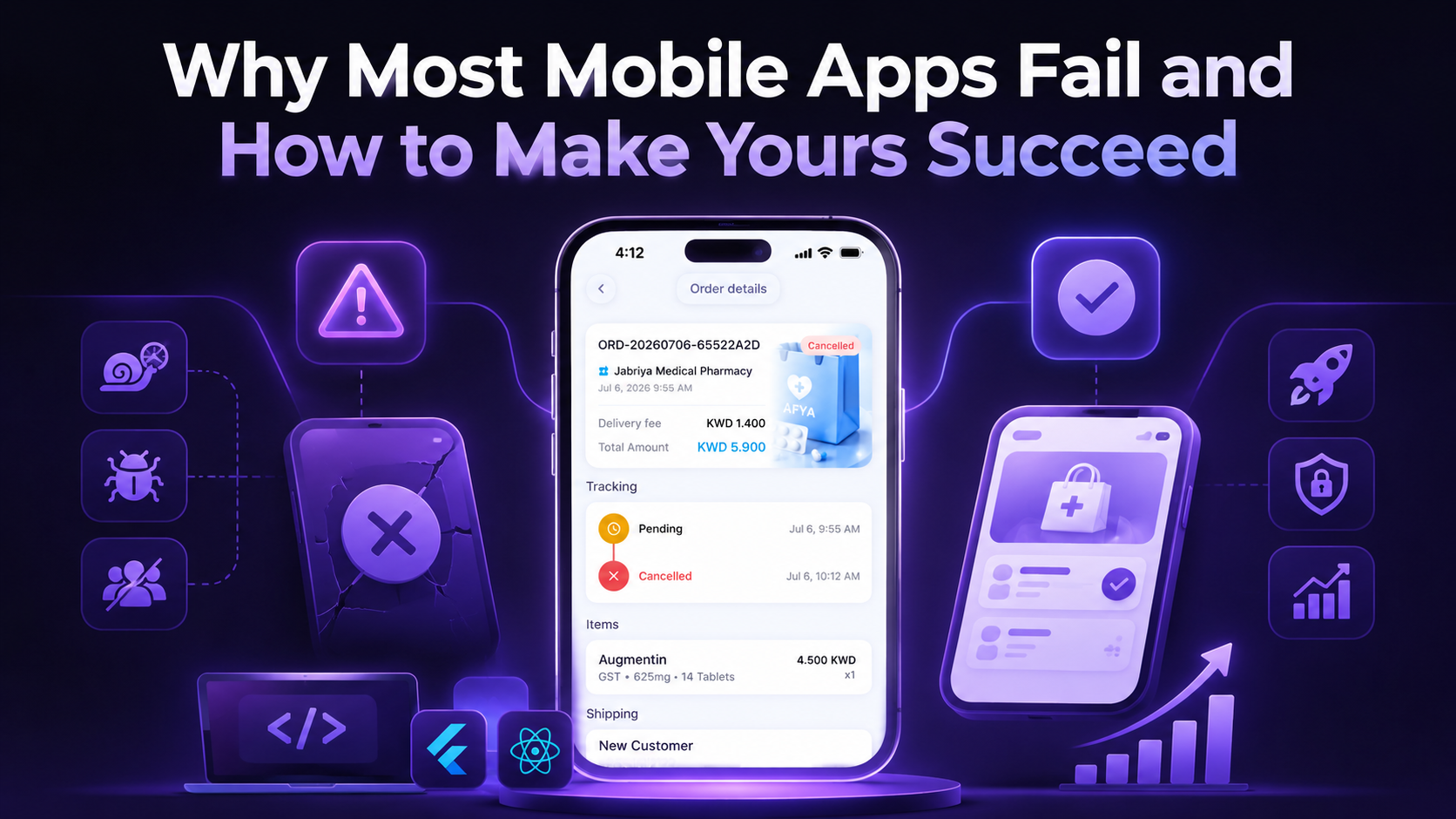
Most mobile app failure starts after the app launch. A team builds it, ships it to the app store, and watches downloads climb — then people open it once, feel nothing, pull them back, and delete it. That quiet exit, not the app launch, is where most mobile app failure begins.
Founders often assume why mobile apps fail comes down to marketing or bad luck. Usually it’s simpler: a mismatch between target users and what the team built, weak user experience, or app performance nobody tested under real conditions.
This guide covers the most valuable reasons mobile apps fail and how to avoid them.
Why Do Mobile Apps Fail?
Most of the time, one bug or one bad screen isn’t the real cause — strategy gaps, product flaws, technical issues, and weak marketing pile up together, and the app quietly loses existing customers.
Failures usually fall into four categories — building something people don’t want, shipping a clunky experience, releasing an app that breaks, and struggling to keep users around. Here’s how these areas break down:
| Failure area | Typical problem |
|---|---|
| Strategy | No validated market need |
| Product | Poor UX or too many features |
| Technology | Bugs, crashes, slow performance |
| Growth | Weak marketing or retention |
| Business | Poor monetization |
Building Apps Without Validating the Market
Skipping app idea validation is the fastest way to build something nobody wants. An interesting concept feels exciting, but a validated market opportunity looks different. Founders skip user research and assume they know their intended audience’s needs. Without market validation, teams confuse enthusiasm for product-market fit, then discover no one needed the app.
- Run user interviews with your target audience.
- Study competitor research for market gaps.
- List recurring customer pain points.
- Test a quick prototype.
- Validate the MVP before scaling further.
Solving the Wrong Problem or Offering Little Differentiation
Apps fail when they solve a minor user problem or copy competitors without a clear mobile app value proposition. Product-market fit requires real differentiation — giving people a compelling reason to choose your app over existing alternatives.
Imagine two fitness apps. One offers generic workout plans for everyone. The other focuses on strength training for busy professionals who have only 20 minutes a day to exercise. The second app serves a specific audience with a clear need — making it easier to stand out and create loyal users.
Overloading the App With Too Many Features
More features do not mean more value. Feature creep happens when teams add tools your audience never asked for. Each addition raises development costs, slows navigation, and adds new bugs, pushing your app complexity past what solves the actual need.
Smart teams develop a minimum viable product first — then grow it. MVP development means shipping only the core features that solve one real goal well.
How to avoid feature overload:
- Define the core user pain point.
- Prioritize must-have features.
- Launch an MVP.
- Add features based on user feedback.
Poor UI/UX and Friction-Filled Onboarding
A valuable app idea can still fail if the mobile app UX gets in the way. New visitors judge any app within seconds. Confusing navigation, unclear buttons — or a long signup form pushes them out before they see any value.
Good app onboarding gets users to the app’s core value fast. When onboarding drags, activation drops, and user retention drops right behind it. Friction is quiet, but it costs app owners every single day.
Common UX Problems
Customers leave apps for practical reasons. The most common mobile app usability challenges include:
- Confusing navigation
- Long signup forms
- Unclear calls to action
- Too many permission requests
- Complicated onboarding flow
- Inconsistent user interface
How to Avoid UX-Related Failure
Reducing friction starts with user-centered design. Test the onboarding flow with real users before launch, and watch where they hesitate or quit — simplify navigation so the user journey feels obvious. Cut any step that doesn’t lead straight to value.
Solid UI/UX design paired with early usability testing catches most of these problems while they’re still cheap to fix.
Releasing Apps With Bugs, Crashes, or Poor Performance
Frequent crashes lose customers within minutes. App crashes, unresponsive screens, API errors, memory leaks — and network failures all push people toward the uninstall button faster than a missing feature ever will.
Most teams test right before launch, when there’s little time left to fix what breaks. Mobile app testing works better as a habit built into every development stage. QA testing catches different challenges at different points.
- Functional testing: Confirms every button, form, and flow does what it should.
- Performance testing: Measures load time and responsiveness under normal use.
- Load testing: Checks how the app behaves when many visitors arrive at once.
- Regression testing: Makes sure new code doesn’t break old features.
- Real-device testing: Runs the app on actual phones instead of just simulators.
- Crash monitoring: Tracks crash reporting data after launch to catch issues early.
Ignoring Scalability and Backend Reliability
An app that performs well with a few hundred users may struggle when thousands sign in at the same time — that’s why scalability matters.
Imagine a mobile banking app on payday. Thousands of customers open the app within minutes to check balances or transfer money. If the backend cannot handle the surge, pages load slowly, transactions fail — and users quickly lose confidence.
Reduce this risk by:
- Running load tests before major events.
- Using cloud infrastructure that can scale with demand.
- Optimizing databases for faster response times.
- Monitoring app performance to detect problems early.
Choosing the Wrong Platform or Device Strategy
The right mobile app platform depends on who uses the app. Android vs iOS app development decisions should follow ideal customers. In many markets, iOS users tend to spend more per app, while Android has a larger user base across much of Asia and Africa. A cross-platform app development approach saves budget — though a native app often performs better for camera-heavy or hardware-heavy features.
Device fragmentation adds another layer: screen sizes, hardware, and operating system versions vary widely — so device compatibility needs real device testing.
Launching Without a Strong Marketing and ASO Strategy
Mobile app marketing needs its own strategy, separate from app development. App Store Optimization (ASO) helps improve your app’s visibility in the app store, while marketing creates awareness before people start searching — even a well-built app can struggle if the right audience never discovers it.
Focus on these essentials before and after launch:
- Optimize your app store listing: Use a clear title, accurate description — and relevant keywords.
- Show the product clearly: Add high-quality screenshots and a preview video so people understand the app before downloading it.
- Establish trust with ratings and reviews: Encourage satisfied users to leave honest feedback after they have experienced the app.
- Promote your app consistently: Combine content, social media, email, referrals — and paid campaigns to reach your audience and keep attracting new users.
Launching Without a Clear Monetization Strategy
Many apps struggle because the team never decides how the app will make money until after launch. Mobile app monetization has to fit the app’s value and its audience — whether that means subscriptions, freemium access, in-app purchases, or advertising.
A meditation app might work well as a subscription, while a mobile game might earn more through ads or in-app purchases. Then check what it costs to win a user against what that user brings back over time — if acquisition costs stay higher than lifetime value, growth turns into a loss.
| Model | Common use |
|---|---|
| Subscription | Recurring services |
| Freemium | Free core product + paid features |
| In-app purchases | Digital goods/features |
| Advertising | Free apps with large audiences |
How to Avoid Mobile App Failure: A Practical Checklist
A short checklist keeps founders and teams honest before and after launch. It turns the lessons from this article into quick checks anyone can run through in minutes. Use it to see how to avoid mobile app failure at every stage, from the first idea to the tenth update.
| Before Launch | After Launch |
|---|---|
| Validate the problem | Track retention |
| Research potential users | Analyze user behavior |
| Study competitors | Collect feedback |
| Prioritize core features | Fix bugs quickly |
| Test on real devices | Monitor crashes |
| Test performance | Improve UX |
| Plan monetization | Release updates |
| Prepare ASO and marketing | Measure results |
Wafi Solutions builds every app in-house — so the same team that validates the idea also writes the code, tests it on real devices, and supports it after launch.
If you’re planning an app or rescuing one that already launched, talk to us about your project and see how we approach it.