Wafi Admin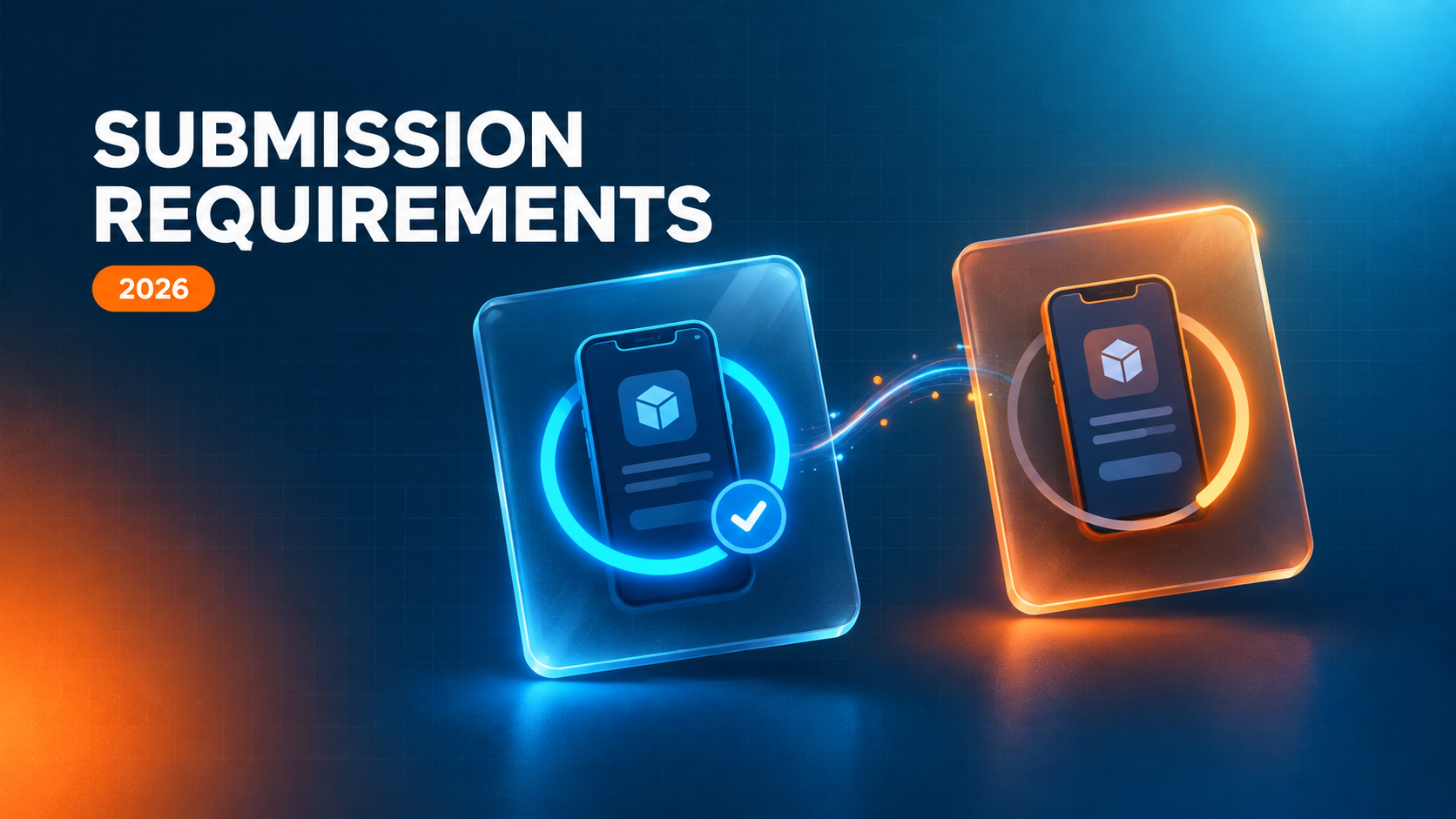
Building the app is the part teams plan for. Getting it published is the part that surprises them.
Both stores review three separate things — the build, the store listing, and the declarations you filled in. A mismatch in any one of them sends the release back, and the fix is often a URL field or a form rather than code.
Apple reviewed more than 9 million submissions in 2025 and rejected roughly 23% of them. Most were not policy disputes. They were crashes on launch, dead demo accounts, and privacy answers that did not match the binary.
This article covers what each store requires before it accepts a submission for 2026: the toolchain gates, the store listing and declaration requirements, and where releases get sent back most often.
What Happens During App Store Review?
App review is a check on three things at once: the compiled build, the metadata a user sees on the product page, and the declarations you completed in App Store Connect or Play Console.
That is different from validation at upload — the automated pass that rejects a build for the wrong SDK, a missing icon size, or an unsigned binary. Validation blocks the file. Review evaluates the app.
Both stores also re-scan apps that are already live, so a submission requirement is not something you clear once and forget.
Toolchain and Account Requirements Come First
These block the upload before a reviewer ever opens the app.
Apple
- An active Apple Developer Program membership at $99 per year. Organization enrollment requires a D-U-N-S number for the legal entity.
- Since April 28, 2026, every build uploaded to App Store Connect must be compiled with Xcode 26 or later, using the iOS 26 and iPadOS 26 SDK — or the matching SDK for tvOS, visionOS, or watchOS. A CI runner still pinned to an older Xcode image fails at upload, not at review.
- Building against the iOS 26 SDK does not drop users on older iOS versions; the deployment target controls that. It does apply the new Liquid Glass appearance to native UI components by default, so UI regression testing belongs in the same release.
- A Play Console developer account at a $25 one-time fee, with identity verification completed. Organization accounts require a D-U-N-S number.
- From August 31, 2026, new apps and app updates must target Android 16 (API level 36) to be submitted. Apps already published must target at least Android 15 (API level 35) to stay available to new users on newer devices. An extension to November 1, 2026 can be requested in Play Console.
- Personal developer accounts created after November 13, 2023 must run a closed test with at least 12 testers opted in continuously for 14 days before applying for production access. Google also assesses whether those testers genuinely used the app. Organization accounts are exempt.
What the App Store Requires Before Review
Apple treats most of these as required properties — App Store Connect will not accept the submission without them.
- Signed build and identifiers: A signed archive, a registered bundle ID, and valid distribution certificates and provisioning profiles.
- App Privacy answers: Every data type collected, by your own code and by every third-party SDK in the build.
- Privacy manifest: A
PrivacyInfo.xcprivacyfile declaring approved reason codes for required-reason APIs, plus manifests and signatures from third-party SDKs. - Tracking permission: An App Tracking Transparency prompt shown before any cross-app or cross-site tracking begins.
- Working URLs: A live HTTPS privacy policy URL and a functioning support URL. App Store Connect fetches both, and a 4xx or 5xx response fails validation.
- In-app account deletion: Required if the app supports account creation, and it has to work during review.
- Store assets: Screenshots at the 6.9-inch iPhone size, 13-inch iPad screenshots if the app supports iPad, and a 1024×1024 store icon.
- Declarations: Answers to the updated age rating questionnaire and to the export compliance questions for encryption.
- Review access: Working demo credentials and review notes for anything behind a login, a paywall, or a hardware dependency.
What Google Play Requires Before Review
Play front-loads more of its requirements into forms, and treats every form as a declaration it can check against your build.
- Signed App Bundle: An AAB enrolled in Play App Signing.
- Data safety form: Required even if the app collects nothing, and cross-checked against the binary.
- Privacy policy URL: Reachable, and consistent with what the data safety form says.
- Content rating questionnaire: Answers that match what is actually in the app.
- Content declarations: Target audience, ads, plus news, financial, and health declarations where they apply.
- Permission declarations: A declared use for every sensitive or restricted permission — background location, SMS, call log, accessibility service, all-files access.
- Store listing assets: A 512×512 icon, a 1024×500 feature graphic, at least two phone screenshots at 1080×1920 or higher, and tablet screenshots if supported.
- App access instructions: Test credentials for any gated feature.
7 Common App Store Rejection Reasons
- Guideline 2.1 — App completeness: The largest single category. Crashes on launch, hangs in a core flow, an unresponsive paywall, or a demo account that no longer works.
- Guideline 5.1.1 — Privacy: A missing or unreachable privacy policy, permission purpose strings that do not explain why access is needed, no in-app account deletion, or a sign-in wall on features that do not require an account.
- Guideline 2.3 — Accurate metadata: Screenshots showing features the build does not have, ranking or price claims in the app name, keyword stuffing in the description.
- Guideline 4.2 — Minimum functionality: Web wrappers and brochure apps that do nothing a mobile browser cannot.
- Guideline 4.3 — Spam: Templated output from an app generator, or near-identical apps shipped under multiple bundle IDs.
- Guideline 3.1.1 — In-app purchase: Digital goods routed outside Apple’s payment system, or a missing or broken Restore Purchases path.
- Guideline 1.5 — Broken URLs: A support or marketing URL returning a 404 or a placeholder page.
6 Common Google Play Rejection Reasons
- Broken functionality: Crashes, ANRs, or a broken sign-up, checkout, or core flow during review.
- Data safety mismatch: Most often an analytics, ads, or crash-reporting SDK collecting an identifier nobody declared. The mismatch is the violation, even when your own code collects nothing.
- Unjustified permissions: A sensitive permission requested with no matching in-app feature.
- Content rating mismatch: A rating that does not reflect what is in the app, treated as a misdeclaration rather than a content problem.
- Misleading listing: Deceptive metadata, or impersonation and trademark issues in the icon, name, or description.
- Target API below the floor: An app can be flagged with no code change on your side, simply because the requirement moved.
Test Everything Before You Submit
Most rejections are found in an hour of checking, not in a policy debate. Work through the release archive you actually intend to ship.
- Build on the current required toolchain and target API level.
- Test on physical devices, not only simulators, and run Play Console’s pre-launch report.
- Open every URL you submitted — privacy policy, support, marketing — in a private browser window.
- Inventory every third-party SDK in the build, then fill the privacy declarations from that list rather than from memory.
- Verify demo credentials on a clean device the day you submit.
- Confirm each screenshot matches a screen that exists in the build.
- Confirm the in-app account deletion path works end to end.
Plan for One Round Trip
Apple typically clears updates in one to three days, with first submissions taking longer. Google Play reviews often run up to seven days, and longer for new developer accounts.
A single rejection is a blocked release, not a strike against the account. Repeated violations of the same policy, and attempts to work around a rejection, are what escalate.
Wafi Solutions ships apps to both stores in-house — the same engineers who write the code prepare the builds, complete the declarations, and handle the resubmission if a reviewer sends something back.
If you have a release stuck in review, or a first submission coming up, talk to us about your project.